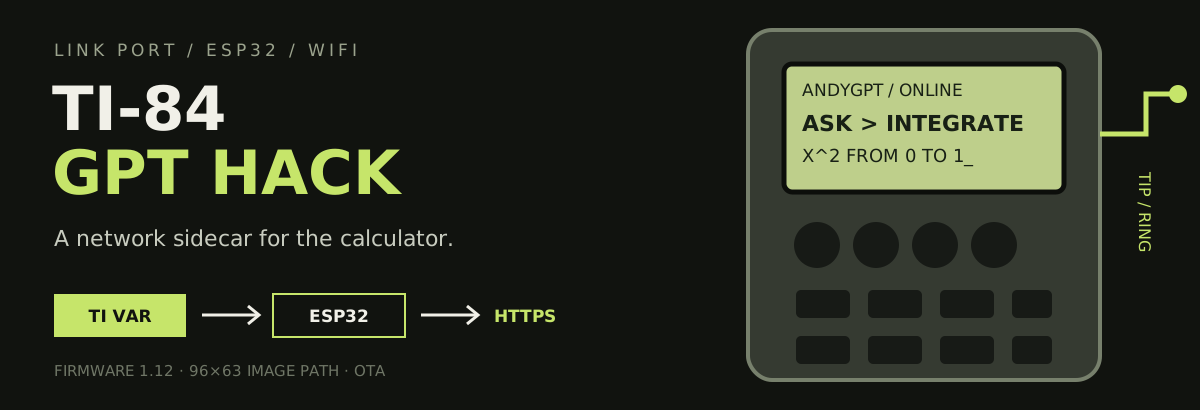
A graphing calculator with a network sidecar.
An ESP32 speaks the TI link protocol, makes web requests, and sends text, programs, and 96×63 images back as calculator variables.
This is a hardware and protocol research project—not an exam aid. Follow your school’s device and academic-integrity rules.
What it can do
Ask an OpenAI-compatible model questions with persistent chat sessions
Page long text responses on the calculator screen
Connect through a phone-friendly captive portal, including WPA2-Enterprise networks
Scan and select nearby Wi-Fi networks from the calculator
Download calculator programs and 96×63 monochrome images
Update both ESP32 firmware and the calculator launcher over the air
Serve a built-in AP Physics C E&M reference without a network request
Run GPT-backed physics and math prompts
Expose a Telnet serial monitor over the local network
Sleep after two minutes of inactivity and wake when the calculator sends a command
The link-port trick
TI-BASIC launcher
       │ command + arguments as TI variables
       ▼
TI-84 link port ── TIP / RING ── ESP32
                                      │
                         Wi-Fi / HTTPS / OTA
                                      │
                                      ▼
                    GPT API · firmware · programs
The ESP32 uses CBL2, TICL, and TIVar to behave like another calculator. The launcher sends a command ID and arguments; firmware performs the network or local operation, then returns a TI string, number, picture, or program. The calculator never needs to understand HTTP.
Project layers
Layer
Responsibility
programs/ANDYGPT.8xp
calculator menus and interaction
esp32/esp32.ino
link protocol, Wi-Fi, commands, sleep, and OTA
server/
GPT, program, image, firmware, log, and request routes
pcb/
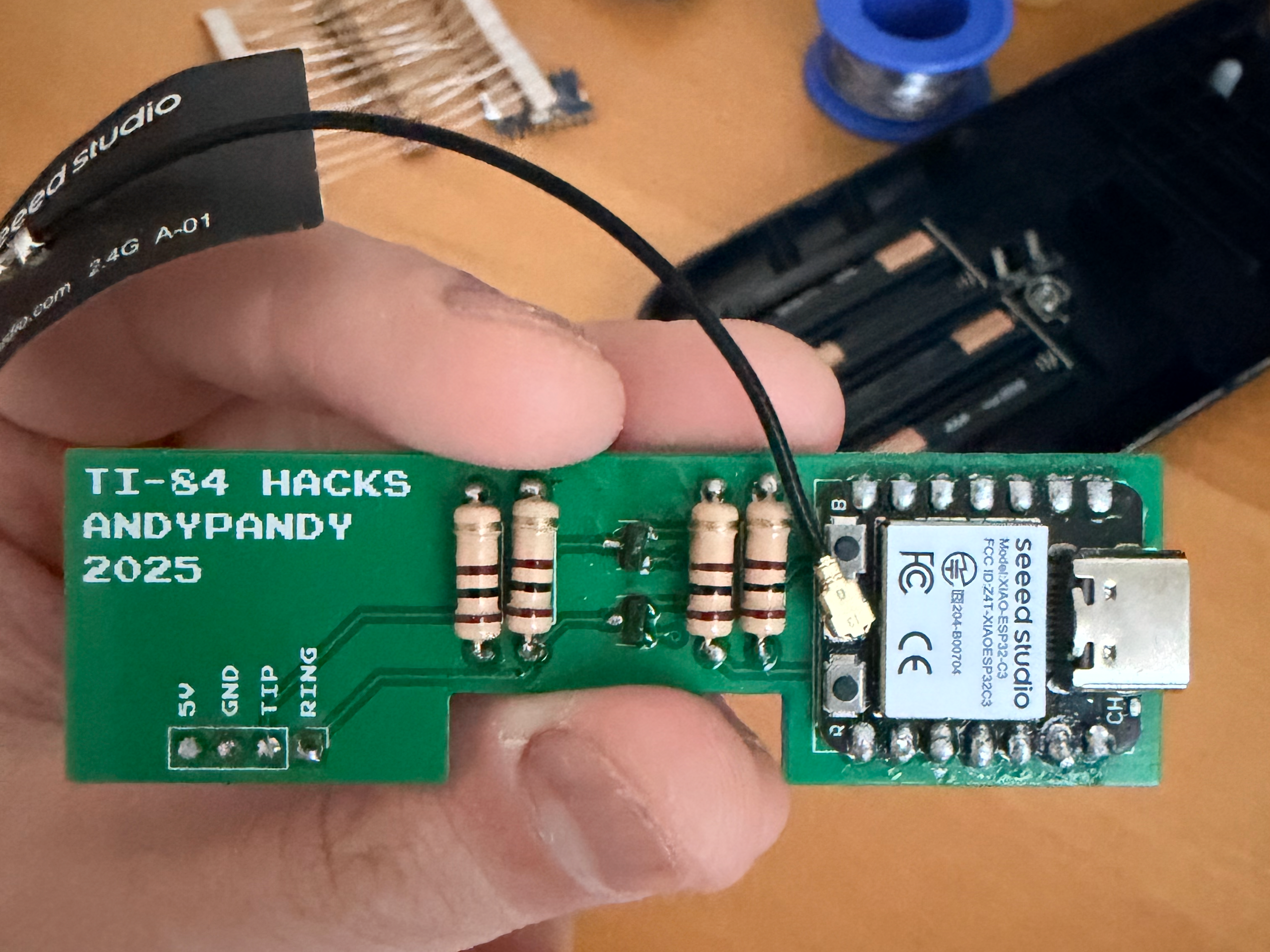
KiCad board, schematic, Gerbers, and build photos
compile_launcher.py + scripts
prepare launcher and firmware assets
Use the existing build
The firmware currently points to https://api.andypandy.org.
Run ANDYGPT on the calculator.
Open Settings → SETUP.
Join the temporary Wi-Fi network named calc from a phone or computer.
Use the captive portal—or open 192.168.4.1—to save network credentials.
Return to the launcher and choose a connected feature.
The ESP32 stores Wi-Fi credentials for later boots. For mixed-case input on the TI-84 keyboard, letters are lowercase by default and parentheses mark uppercase letters: (H)ELLO becomes Hello.
Build your own hardware
The KiCad sources, schematic, Gerbers, firmware, and calculator programs are included. A detailed assembly tutorial is intentionally out of scope: this build involves a custom PCB, fine-pitch hardware work, and a timing-sensitive calculator bus. It is not a first soldering project.
At the software level:
Open esp32/esp32.ino in Arduino IDE.
Install the ESP32 board support and the libraries included by the sketch: TICL, CBL2, TIVar, and UrlEncode.
Flash the firmware to the ESP32 target used by your board.
Transfer programs/ANDYGPT.8xp to the TI-84, or use the launcher update path once the bridge is working.
If you change hardware, verify the TIP and RING pin definitions before powering the interface.
Run a private server
The backend requires Node.js 18 or later, an OpenAI-compatible API, and S3-compatible object storage for chat and firmware state.
OPENAI_BASE_URL and LLM_MODEL_MATH are optional. Keep .env out of version control.
Run locally:
npm start
The default local port is 8080. Change the SERVER definition near the top of esp32/esp32.ino to the HTTPS URL of your deployment, then reflash.
AP Physics C E&M mode
The launcher includes local reference branches for equations, derivations, field and circuit behavior, common graphs, and right-hand-rule mnemonics. These static references do not require Wi-Fi. The SOLVER branch sends numeric or free-form prompts to the configured model.
Use ◀/▶ to move through long pages and CLEAR to return. Type expressions in plain words when possible; many special TI math glyphs do not decode cleanly over the current link layer.
Updates
From Settings → UPDATE, the ESP32 checks the server’s firmware version, downloads a newer binary when available, reboots, and can push the updated launcher back to the calculator.
Firmware artifacts and launcher data are stored through the server’s S3-compatible storage layer. Protect upload routes if you deploy the backend publicly.
Known limits
Link communication is timing-sensitive; retry or power-cycle both devices after a stalled transfer.
The ESP32 radio requires 2.4 GHz Wi-Fi.
Image transfer is experimental and not consistently reliable.
TI tokens for complex math symbols are only partially decoded; plain-text math is safer.
Several lower-level math and utility handlers remain in firmware even though the current launcher does not expose them.
The optional camera code is disabled by default.
Origin and license
The concept was inspired by ChromaLock’s 2024 video. This reconstruction, firmware, PCB design, server, and launcher are maintained by Andy / ChinesePrince07.