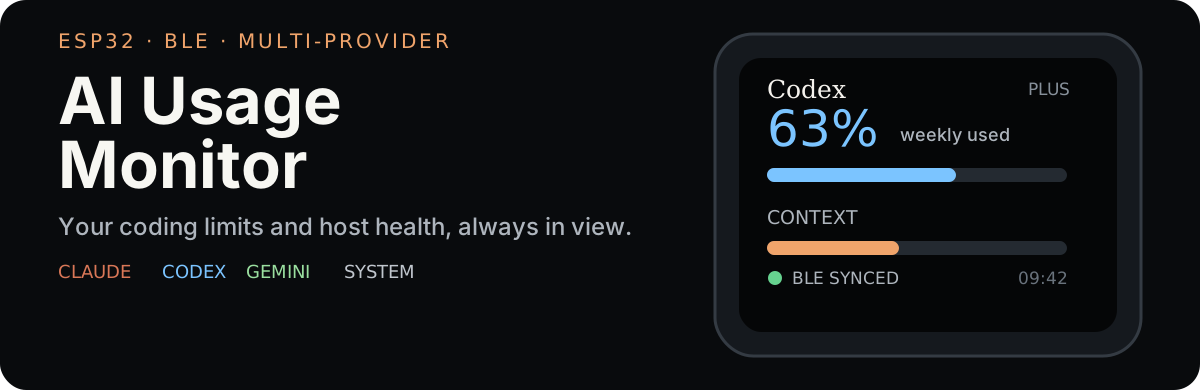
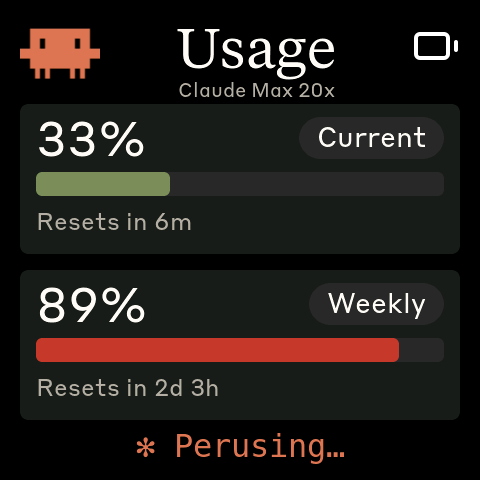
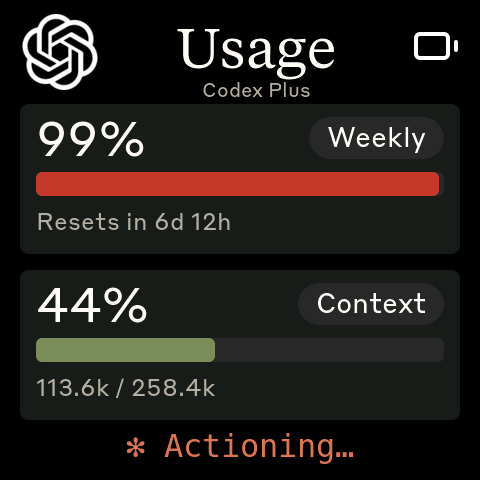
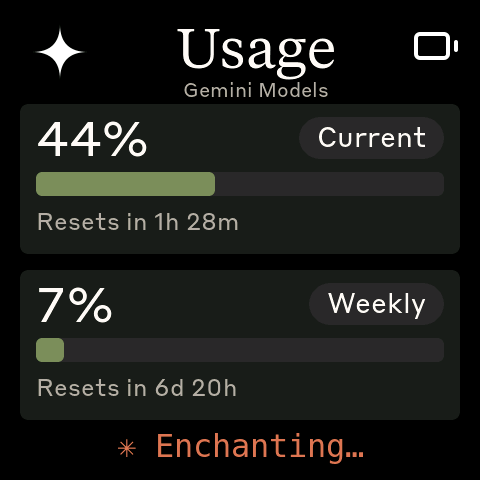
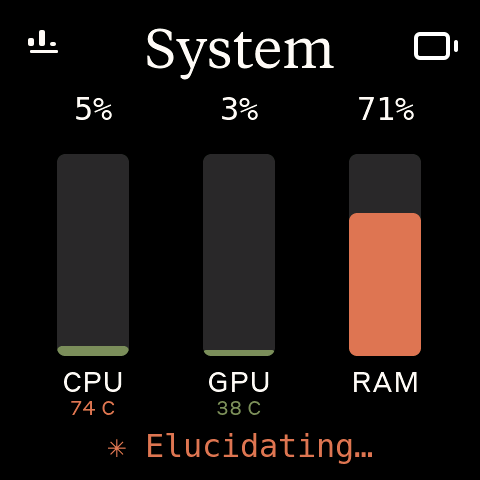
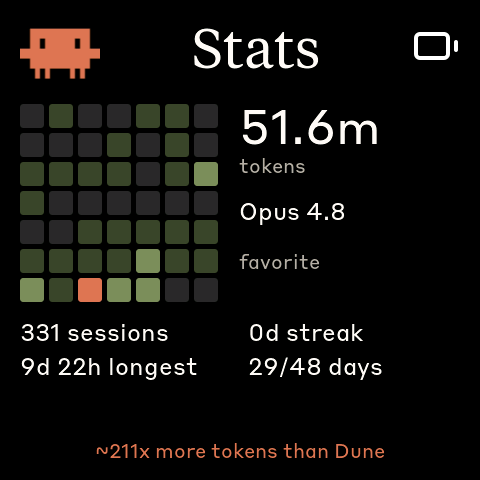
AI Usage Monitor turns a small ESP32 AMOLED board into an always-on dashboard for Claude Code, OpenAI Codex, Antigravity/Gemini, and host CPU/GPU/RAM. A Linux, macOS, or Windows daemon polls the tools already on your computer, then sends a compact status payload over Bluetooth LE.
Important
This is a multi-provider fork of HermannBjorgvin/Clawdmeter. It adds provider tabs, per-provider stats, and host-resource monitoring. The original firmware, HAL, splash engine, and BLE daemon are credited in NOTICE.md.
The dashboard
Claude
Codex
Antigravity
System
Stats
Splash
Swipe between available providers and System. Tap a provider title for its activity heatmap, token total, favourite model, sessions, and streaks. Providers that are not installed or logged in are omitted cleanly.
System  ↔  Claude  ↔  Codex  ↔  Antigravity
              │          │           │
              └──── tap title ────────┘
                         ↓
                       Stats
The pixel-art Clawd splash animations come from claudepix, created by @amaanbuilds. Their activity changes with your usage rate.
You need PlatformIO CLI, a supported board, Bluetooth, and Claude Code with an active login. Codex and Antigravity are optional; each appears only when detected.
pio run -d firmware -e waveshare_amoled_216 -t upload --upload-port COM5
powershell -ExecutionPolicy Bypass -File install-windows.ps1
Then pair Clawdmeter in Settings → Bluetooth & devices. The installer creates a Python environment, installs the tray app, and adds per-user login startup.
To clear a saved bond and re-enter pairing mode on any platform, hold the middle power button for three seconds, then release.
How data moves
Claude headers ─┐
Codex endpoint ─┼─ host daemon ─ BLE GATT JSON ─ ESP32 firmware ─ LVGL display
Gemini LSP ─────┤
system stats ───┘
Claude usage comes from rate-limit response headers after a minimal authenticated request.
Codex usage comes from the endpoint used by the CLI; current context comes from the newest local rollout file.
Antigravity quota comes from its local language server and retains the last good response while the CLI is closed.
System values are refreshed from the host each polling cycle.
Stats are derived from each provider’s local session data and sent separately to stay within the BLE payload limit.
The firmware also exposes a BLE HID keyboard. The left button sends Space, the right button sends Shift+Tab, and the middle button changes splash animations or brightness.
BLE service and payload reference
Interface
UUID
Data Service
4c41555a-4465-7669-6365-000000000001
RX characteristic
4c41555a-4465-7669-6365-000000000002
TX characteristic
4c41555a-4465-7669-6365-000000000003
HID Service
00001812-0000-1000-8000-00805f9b34fb
Provider keys are optional, so a missing CLI simply disappears from the device. Stats use a separate payload because the full dashboard plus heatmap data would exceed the 512-byte RX buffer.
Development
pio run -d firmware
pytest daemon/tests
Porting documentation lives in docs/porting/, while sprite and icon conversion utilities live in tools/.
Credits and licensing
Clawdmeter was created by Hermann Björgvin. The UI also contains Clawd art, provider marks, and proprietary brand fonts included for personal use. The repository therefore does not declare a copyleft license; read NOTICE.md before copying, redistributing, or shipping a derivative.