TypeScript · Web
Suffield Drive
A drive for Suffield students to access and share school resources.
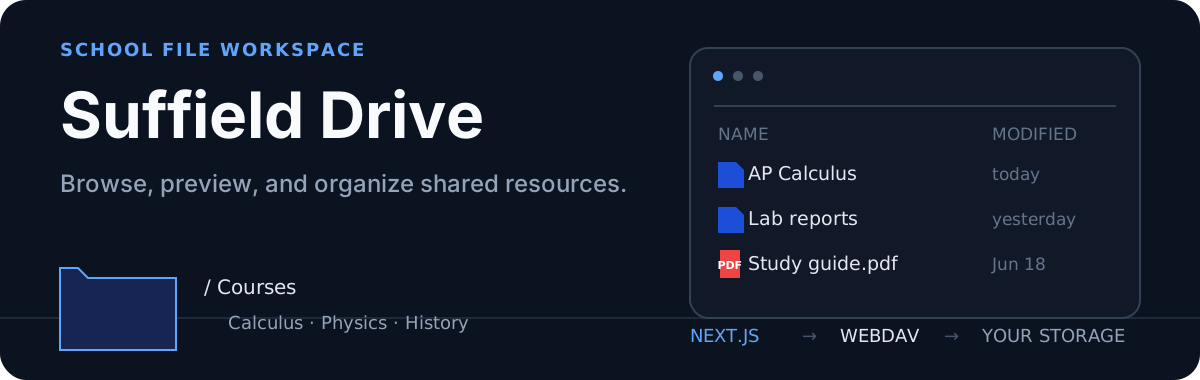
Open Suffield Drive · Run your own · Security note
A WebDAV-backed file workspace built for sharing school resources. Suffield Drive adds a responsive browser, previews, search, batch actions, and drag-and-drop uploads on top of an existing WebDAV server.
The workspace
| Browse | Preview | Organize |
|---|---|---|
| List or grid view, breadcrumbs, recursive search, name/size/date sorting | Images, PDF, video, audio, DOCX, text, and code | Upload, create folders, rename, move, delete, copy/cut, and ZIP downloads |
The interface supports mouse, touch, keyboard shortcuts, context menus, drag-to-select, and folder uploads. A floating action bar keeps multi-file operations close to the current selection.
How data moves
browser
  ├── server-rendered directory listing ─┐
  ├── SWR list refresh                  ├── Next.js server ── WebDAV
  ├── server actions for mutations      │
  └── file and ZIP download routes ─────┘
app/page.tsxloads the first directory listing on the server.FileBrowserClientkeeps client-side directory data fresh with SWR.- Server actions handle uploads, folders, renames, moves, and deletion.
- API routes stream individual files and build ZIP archives.
Run your own
Requirements
- Node.js 20 or newer
- A WebDAV-compatible backend such as Nextcloud or Koofr
git clone https://github.com/ChinesePrince07/andypandy-suffield-drive.git
cd andypandy-suffield-drive
npm install
Create .env.local:
WEBDAV_URL=https://your-server.example/dav/files/account/
WEBDAV_USERNAME=your-account
WEBDAV_PASSWORD=your-app-password
Start the development server:
npm run devOpen http://localhost:3000.